
An AI rap video generator can mean three different things: a tool that turns a photo and topic into an original short performance, a tool that animates a face to an existing recording, or a workflow that builds a music video around a whole song. Choose by what you already have and what you want to share.
A birthday greeting and a release-day music video need different tools. Before comparing names, decide whether your starting point is a person, an audio track, or a storyboard.
Start with the material you have
A photo and an idea: an original short performance
Choose this route when the person is the point of the video. You might want a friend celebrating a small win, two people remembering a trip, or a short birthday greeting. You supply permitted portraits and a subject; the performance supplies original rap and a beat.
AI Rap Video Generator follows this route. Choose Solo or Duo, add one or two photos, write a topic and select a stage. It is a useful starting point for a short personal clip when you do not already have a song to illustrate. The photo-to-rap tutorial walks through the process.
A finished recording: animate a performer to that audio
Choose an audio-driven lip-sync workflow when you need the words, voice and timing of a particular recording. Your input is a portrait or character video plus the recording. That is a different brief from asking a generator to invent a new performance around a topic.
Check the tool's audio-upload requirements, supported clip length and export before buying. Fast rap is worth testing with your own track: an impressive still image cannot tell you whether mouth movements follow every phrase. A generic talking-head demo is not a rap-specific quality test.
A whole song: build a music video
Choose a music-video workflow when you want multiple scenes, visual changes across verses and a final edit that follows a complete song. You may need a storyboard, generated shots, consistent characters, captions and an editor. A single short performance will not replace all those decisions.
If you already made a rap in Suno or Udio, decide whether the next step is an audio-reactive visualizer, a character performing the recording, or a multi-shot narrative. Those are three different video briefs even though they use the same audio file.
Compare workflows before comparing brands
| Route | Starting material | Main decision | Useful for |
|---|---|---|---|
| Original photo performance | Portraits and a topic | Who performs and what the moment is about | Personal greetings and short social clips |
| Audio-driven lip sync | A character and your recording | How well the face follows that recording | Performing an existing song or verse |
| Full music video | A song and a visual plan | Shots, continuity and the final edit | Multi-scene videos for a complete track |
This is a comparison of workflows, not a ranking of vendors. Features and prices change; verify the exact service against your own inputs.
Use a real sample to judge the result
Start by watching a whole video with sound. Check whether the person stays recognizable, whether the mouth and gestures suit the pace, and whether the music matches the intended mood. Then check what you actually receive: a downloadable file, a preview, a public post or a private project.
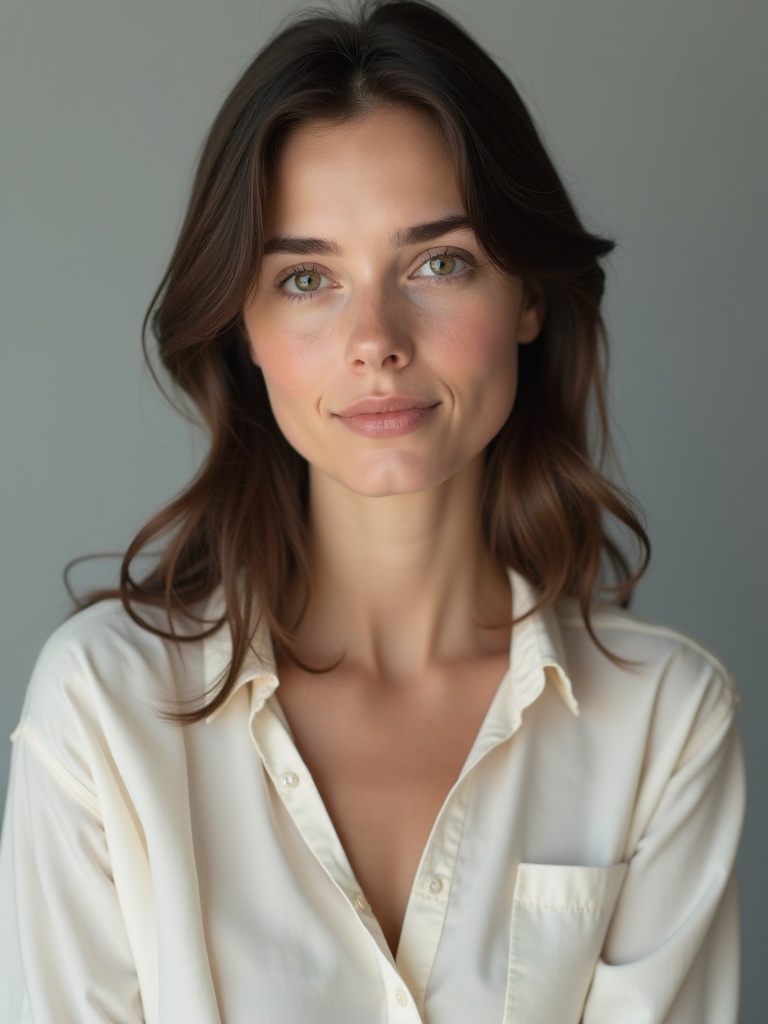
For the photo-performance route, these are our existing public references and duo output. The portraits depict fictional adults. This is one actual generated result, not a promise that every input will look the same.

Compare that with your intended project. If you need the exact words of a recording, ask for an audio-driven workflow. If you want a short original moment starring two people, see the duo photo guide.
Questions to settle before spending credits
Do I need to write a song first? For an original photo performance, start with a subject. For a music video of an existing track, bring the track and decide how it should be illustrated.
Is a topic the same as a lyric script? A topic describes the scene, subject and mood. If every word must be preserved, choose a workflow with explicit lyric or audio controls rather than assuming that a topic field provides them.
What should I check in a free trial or credit pack? Check export access, watermark rules, duration, the charge for another take and what happens after a failed job. Compare the deliverable you need rather than the headline number of credits. Our current packs show the purchase options for this site.
Which route fits a birthday? A short original photo performance is a practical option when you want a personal greeting rather than a complete song. Use one friendly detail from the birthday recipe, then follow the creation tutorial.