Two people. One shared story.

AI Rap Duo VideoPut your friendship on the mic.

Turn two portraits into an AI rap duo video for the friend who knows every inside joke. Pick a stage, give your pair something to rap about, and make a short music video without filming yourselves together.

Make our duo video
THE RECORDING ROOM01 / YOUR TAKE

Who’s on the mic?

01
02

One consenting adult per photo. JPG, PNG or WebP · up to 8 MB each.

Have a photo together? Prepare two portraits

For two adults standing side by side. Adjust the split until each preview contains one clear face. This step stays on your device; you can also upload separate portraits.

Set the scene
Get credits for your next take

8-second portrait MP4 · original rap & beat · private video history

See two photos become one performance

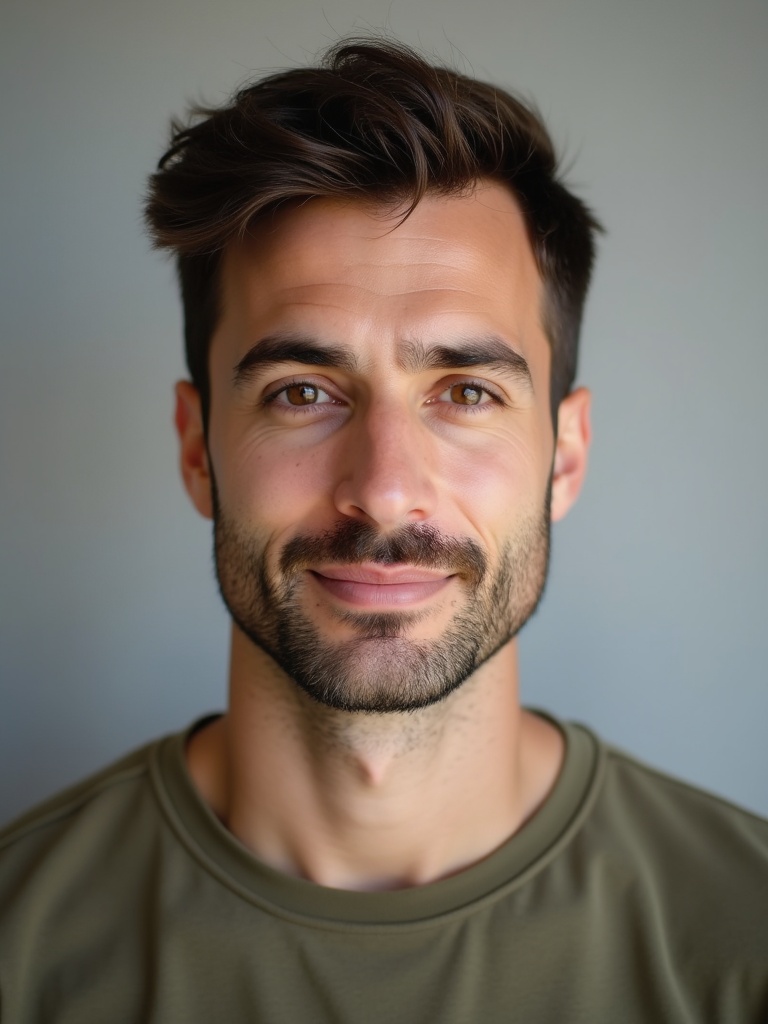
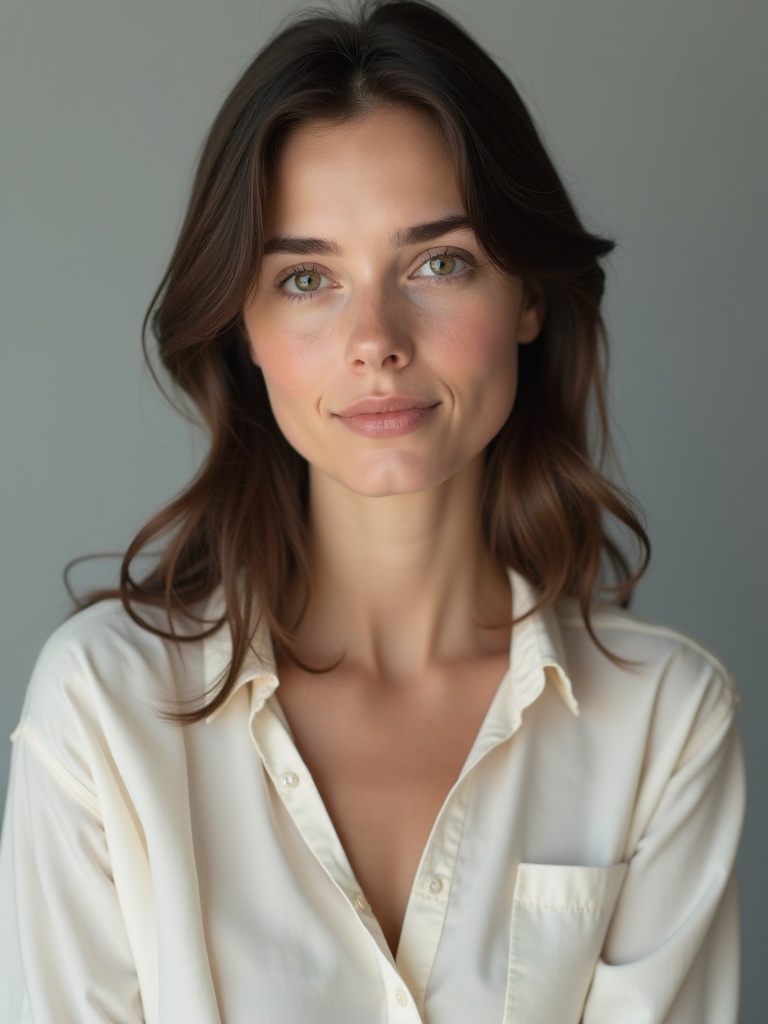
This AI-generated rooftop example uses two fictional adults. Watch with sound to hear the performance, then bring your own permitted portraits and story. Each result is a separate take; faces, gestures and vocals can vary.

The two reference portraits

The two reference portraits 1The two reference portraits 2

An AI rap duo video with people you know

An AI rap duo video turns photos of two people into a shared rap performance with generated music, vocals and movement. You bring the faces and the idea; the finished clip puts your pair in a scene together. It is a way to turn a birthday message, a shared win or a familiar joke into something your group chat can actually watch. You do not need recording equipment, choreography or photos taken in the same room.

How to make your AI rap duo video

  1. 01Start with two clear portraits

    Choose one photo of each adult, with a visible face and an unobstructed mouth. Similar lighting and framing make the pair easier to review. Only have one photo together? Use the shared-photo preparation tool in the creator, adjust the split, and check that each preview contains one person before confirming. If the faces overlap, separate photos are the better starting point.

  2. 02Give your duo a setting and a story

    Keep Duo selected, then choose the booth, rooftop or street cypher. Add a short topic that both people will recognize: a name, an occasion and one specific detail are enough to get started. “Maya and Alex celebrating their first half marathon, joking about the early alarms” gives the performance more personality than a long list of camera and costume instructions.

  3. 03Create, listen and send it to your friend

    Review both portraits, the selected stage and the credit quote, then confirm that you have permission to use the photos. Sign in when prompted to create the video. Once it is ready, play the full clip with sound, check both people, and download the result from your private video history. Share the downloaded file when you and your friend are happy with it.

Give your duo a reason to rap

A birthday with an inside joke

Make the message about the person, not just the date. Try a friend’s name, the age they are celebrating and a harmless shared memory. Keep the tone affectionate so the clip feels like a gift when it lands in their messages.

Best friends, same energy

Put a long-distance friendship, a weekend trip or a weekly game night on the mic. Photos from different places work as references, so you can start without getting everyone together for a shoot. Choose one shared moment rather than trying to tell your whole history.

A win worth sending around

Celebrate finishing a project, a personal milestone or your team’s friendly competition. A clear, upbeat topic gives the pair something to share. Review the generated lyrics before posting publicly, especially when names, workplaces or personal stories are involved.

Before your duo takes the stage

What do I need for an AI rap duo video?

Bring two permitted portrait photos, one per adult, and a short topic if you want a personal message. Choose Duo in the creator and pick a stage. You can preview the public example before signing in to create your own video.

Can I use one photo with both of us?

Yes. Open the shared-photo preparation tool and split a side-by-side photo into two portraits. Review each preview before confirming. Overlapping faces or a crowded group photo are harder to separate, so use individual portraits when the split cannot keep both faces clear.

Do we need to record a song or film ourselves?

No recording is needed. The video includes generated audio based on the topic and selected language. Start with a simple shared idea, then listen to the finished take before sharing. Exact lyrics and an equal division of lines are not editing controls.

Which stage should we choose?

Choose the booth for a close studio feel, the rooftop for an outdoor performance, or the street cypher for a casual group-chat clip. The creator shows a preview for each setting. Start with the scene that suits your message rather than adding several settings to one topic.

Is the duo video generator free?

The examples and photo-preparation tool are free to explore. Creating a video uses credits; the creator shows the current cost before submission. Check the credit packs on the pricing page and your balance before starting another take.

Where do I find my finished duo video?

Sign in to the account you used to create it and open My Videos to watch or download the result. Your history is private. Send the downloaded video to your friend or post it to your chosen platform after reviewing the performance and confirming both people are comfortable sharing it.

Get your photos and topic ready

Your next group-chat message could be a rap duo.

Make our duo video